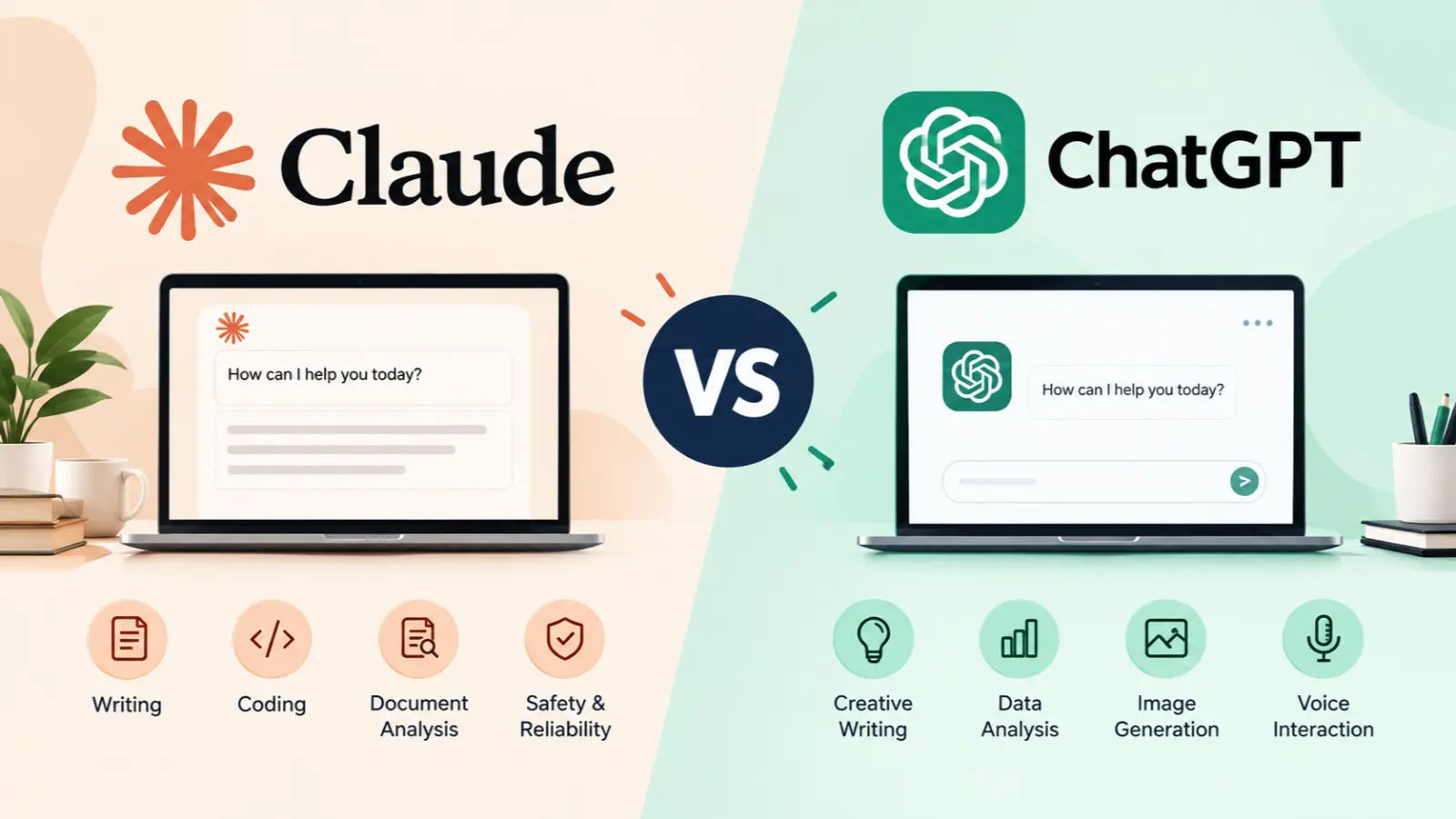
Claude vs ChatGPT comes down to your needs. Claude, developed by Anthropic, is a strong choice for long-form writing, document analysis, and coding workflows.
ChatGPT, developed by OpenAI, offers a broad range of tools for writing, research, data analysis, image generation, and voice interactions. The best choice depends on your tasks, budget, and preferred features.
Key Takeaways
- Choose Claude if your work focuses on detailed writing, document review, and code-related tasks.
- Choose ChatGPT if you want a versatile assistant with a broad range of creative and productivity tools.
- Both AI assistants can help with research, brainstorming, editing, and problem-solving.
- Free plans let you test the tools before paying for a subscription.
- Always verify important facts, citations, and generated code, regardless of which assistant you use.
What Is the Difference Between Claude and ChatGPT?
Claude and ChatGPT are AI assistants that understand prompts and generate responses in natural language. Both can explain difficult topics, summarize documents, help with programming, and support everyday work.
The main difference is the overall experience each platform offers. Claude is developed by Anthropic and is often considered for writing-heavy and document-focused workflows. ChatGPT is developed by OpenAI and combines conversational AI with tools for tasks such as data analysis, image generation, voice interactions, and research. Available features depend on the model, plan, and account.
For example, a freelance writer might use Claude to revise a long article while preserving its structure. A small business owner might use ChatGPT to brainstorm campaign ideas, analyze a spreadsheet, and create a visual concept.
Neither tool is automatically better for every user. The practical difference becomes clearer when you compare individual tasks.
Claude vs ChatGPT: Feature Comparison
The following table summarizes their general strengths. Specific capabilities and usage limits can change as both companies update their products.
| Feature | Claude | ChatGPT |
|---|---|---|
| Long-form writing | Strong option for drafting and editing | Strong for drafting and rewriting |
| Coding | Code generation, debugging, and development workflows | Code generation, analysis, and coding tools |
| Document analysis | Useful for lengthy text and document review | Useful for file analysis and data workflows |
| Web research | Web search with source citations when available | Web search and research tools, depending on plan |
| Image generation | Do not assume native image generation is available | Image generation is available, subject to plan and limits |
| Voice interaction | Availability depends on current features | Voice interaction options are available |
| Data analysis | Supports analytical tasks | Includes data analysis tools |
| Best fit | Writing-focused and document-heavy work | Broad, multi-purpose productivity |
Anthropic documents Claude’s web-search capabilities, including citations for web-informed answers. OpenAI’s official pricing page describes ChatGPT features such as search, file uploads, data analysis, and image generation, with access varying by plan.
Anthropic
+1
Important: Do not judge either product using an old feature comparison. Check the current official product pages before subscribing, especially if you need a specific model, tool, or usage limit.
Claude vs ChatGPT for Writing
Writing quality is one of the most important reasons people compare these AI assistants.
Claude is worth testing if you produce long articles, reports, essays, or detailed business documents. It can help organize ideas, improve transitions, refine tone, and edit lengthy drafts while keeping the main argument intact.
ChatGPT is also useful for writing. It can generate outlines, rewrite awkward paragraphs, develop headlines, suggest social media posts, and adapt content for different audiences.
Consider a practical example. You need a 1,500-word article about choosing a laptop.
With Claude, you could provide your outline and ask it to develop each section in a consistent, natural tone. With ChatGPT, you could build the outline, generate alternative headlines, create a comparison table, and develop promotional posts from the finished article.
Both can handle these tasks. The better result depends on the model, instructions, editing process, and quality of the source material. Some independent comparisons favor Claude for long-form writing, but those findings should not be treated as universal results for every model or prompt.
My recommendation: Test both assistants with the same writing brief. Compare factual accuracy, repetition, tone, editing time, and how closely each follows your instructions.
Neither tool replaces human editing. Review claims, remove generic wording, and add original examples or expertise before publishing.
Claude vs ChatGPT for Coding
Both Claude and ChatGPT can assist with programming, from explaining basic syntax to debugging errors and planning larger software projects.
Claude is a strong candidate for developers working on complex code changes, reviewing existing files, or explaining how multiple parts of a project fit together. Its coding-focused tools may also support more advanced development workflows, depending on the plan.
ChatGPT can help write functions, explain error messages, generate tests, review code, and support development through its available coding tools. It can also be useful when a programming task connects to broader work, such as analyzing data or documenting a feature.
Imagine you have a Python script that fails when processing a CSV file. You can give either assistant the code, the error message, and a small sample of the data. Ask it to identify the cause, explain the fix, and suggest tests.
A useful coding comparison should measure:
- Whether the proposed solution actually runs.
- How well it identifies the underlying bug.
- Whether it handles unusual inputs.
- How clearly it explains the changes.
- Whether it introduces security or performance problems.
Some independent comparisons report advantages for Claude in code quality and multi-file refactoring, but results depend on the tasks and model versions tested.
My recommendation: Choose based on the development workflow you use, not just the code in a single response. Test both on a real bug, a new feature, and a refactoring task before paying.
Which AI Is Better for Research?
Research requires more than a fluent answer. A useful assistant must locate relevant information, distinguish evidence from assumptions, and make it easy to verify important claims.
ChatGPT is a good option for research workflows that combine web searches, file analysis, data interpretation, and follow-up questions. Depending on your available tools, it can help organize findings into summaries, tables, and practical recommendations.
Claude can also assist with research, especially when you need to review long documents, compare arguments, summarize reports, or synthesize information from supplied sources. Its web-search feature can provide citations when it uses online sources.
For example, a marketing professional researching competitors could use either tool to review product pages, compare messaging, and identify gaps in a content strategy.
However, neither assistant should be treated as a final authority. AI tools can misunderstand sources, overlook relevant information, or provide incorrect citations. Open important sources yourself, check publication dates, and verify that the evidence supports the conclusions.
For medical, legal, financial, or other high-stakes research, consult authoritative sources and qualified professionals when appropriate.
Claude vs ChatGPT Pricing and Free Plans
Price matters if you plan to use an AI assistant every day. Fortunately, you can usually begin by testing a free option before deciding whether a paid subscription is worthwhile.
Both companies offer free access and paid plans, but their exact limits, model access, and included tools differ. ChatGPT’s official pricing page lists its available individual and organizational plans, while Anthropic provides its own Claude plan information. Check both official pages for current US pricing and features before purchasing.
| What to compare | Why it matters |
|---|---|
| Monthly subscription | Make sure the price fits your budget |
| Message limits | Check whether you can use the assistant throughout your workday |
| Available models | Confirm access to the models you need |
| File and document limits | Important for reports, research, and large projects |
| Extra tools | Check whether image generation, research, or coding features are included |
| Usage restrictions | Understand caps and what happens when you reach them |
Which offers better value? The answer depends on how you work. A writer may value document handling and writing quality, while a business owner may benefit more from a wider range of tools.
Start with the free plans and run the same tasks through both assistants. Upgrade only if a paid plan solves a real problem or saves enough time to justify the expense.
Pros and Cons of Claude and ChatGPT
Claude
Pros
- Worth considering for long-form writing and detailed editing.
- Helpful for reviewing lengthy documents and discussing complex material.
- Supports coding, debugging, and software development workflows.
- Web search can provide citations when current information is needed.
Cons
- Its available tools and usage limits depend on the plan.
- You should not assume it includes every creative tool you need.
- Its answers can still contain errors or unsupported conclusions.
- Heavy use may require a paid plan, depending on your workload.
ChatGPT
Pros
- Supports a broad range of writing and productivity tasks.
- Offers tools for data analysis, web search, and image generation.
- Voice features can support conversational and hands-free workflows.
- Useful for combining brainstorming, analysis, and creative work.
Cons
- Some advanced features have plan restrictions or usage limits.
- Responses may require editing to remove repetition or generic language.
- Generated facts, calculations, and citations still need verification.
- More features do not necessarily mean better results for a particular task.
The strongest choice is the one that performs your actual work well, rather than the one with the longest feature list.
Which AI Should You Choose?
Use this quick guide to narrow your decision.
Choose Claude if you mainly write and review documents.
Consider it for long articles, detailed editing, document analysis, and code-heavy projects.
Choose ChatGPT if you need an all-purpose assistant.
Consider it for mixed creative tasks, data analysis, image generation, voice interactions, and research workflows.
Try both if your work covers several areas.
Compare the free versions on the same tasks before deciding whether one paid subscription is necessary.
For students, both assistants can explain concepts, summarize reading material, and help with study plans. Check answers against course materials and follow your school’s AI policies.
For freelancers and small business owners, the choice depends on the daily workload. Writers may prioritize editing and document handling, while people who create text, visuals, and data reports may prefer a broader toolkit.
For developers, test both with your existing codebase and preferred development environment. The quality of the complete workflow matters more than a single impressive demonstration.
Frequently Asked Questions
Is Claude better than ChatGPT?
Not for every task. Claude may be a better fit for certain writing, document analysis, and coding workflows. ChatGPT may suit users who need a broader combination of creative, analytical, and interactive tools. Compare current models using the work you actually need to complete.
Which AI is better for writing?
Both can produce useful drafts, outlines, summaries, and edits. Claude is worth testing for long documents and nuanced editing, while ChatGPT offers flexible writing support alongside other tools. The best choice depends on the quality of the output and how much editing it requires.
Is Claude better for coding?
Claude can be a strong option for debugging, code review, and complex refactoring. ChatGPT also supports programming and coding workflows. Neither is guaranteed to produce correct code, so test outputs, review security implications, and run appropriate checks before deploying changes.
Can I use Claude and ChatGPT for free?
Yes, both offer free access, although features, usage limits, and model availability can differ. Visit the official
claude.ai
and
chatgpt.com
to try the available options and review their current subscription details.
Can Claude and ChatGPT make mistakes?
Yes. Both can generate incorrect facts, flawed reasoning, misleading citations, or code that does not work. Verify important claims using reliable sources, check calculations, and test generated code. Treat their responses as assistance rather than unquestionable truth.
Final Verdict: Claude vs ChatGPT
The best choice in the Claude vs ChatGPT comparison depends on what you want to accomplish.
Claude deserves consideration if your daily work revolves around long-form writing, document analysis, and coding. ChatGPT is a compelling choice if you want one assistant for a wider mix of writing, research, data analysis, image generation, and voice-based tasks.
You do not need to choose based on popularity or online opinions. Test both tools using the same prompts, compare the results, and consider their current limits and costs.
The bottom line: Claude may suit writing-focused workflows, while ChatGPT may be the better fit for users who want broader functionality. Choose the tool that delivers accurate, useful results with the least extra work.